Skip to content

Construction administration guide · By Yes AI

What can AI do for a building contractor's office?

Published 6 min read

This guide covers AI in the site office rather than on the tools. The useful work today is reading documents that arrive by email or through platforms such as Procore and Aconex, pulling out dates, amounts and references, and putting each item in front of the person who decides on it.

Quick answer

For an Australian building contractor, AI is most useful on document-heavy admin: reading consultant RFI responses, extracting expiry dates from insurance certificates, registering incoming payment claims, summarising site diaries and grouping defect photos. It should not approve variations, set contractual positions or decide safety questions, which stay with the contract administrator and project manager. Start with one workflow where a missed document costs money, such as an unregistered variation.

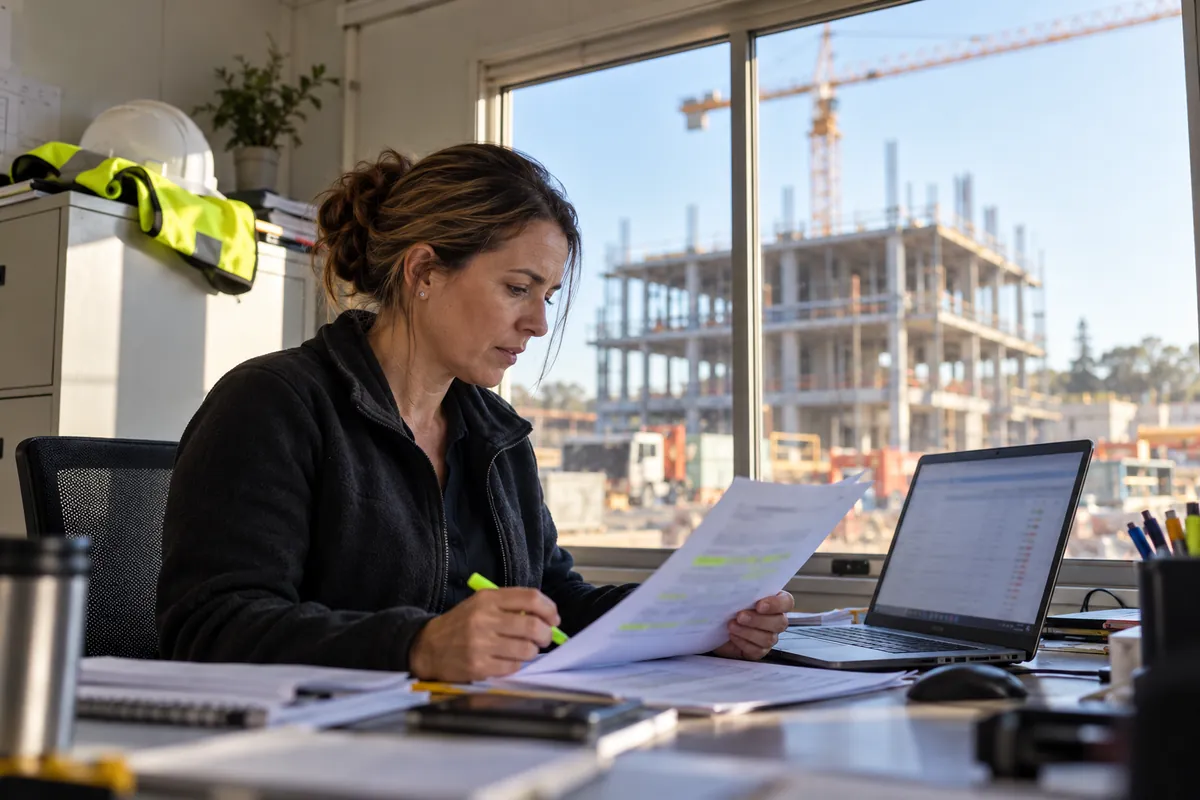
Contract administrator at a site office desk comparing a printed RFI response with a blurred laptop register

Which construction admin tasks suit AI?

The tasks that suit AI share four features. They arrive in volume, they are mostly text, there is a clear rule for what a correct result looks like, and a person already checks the result. On a commercial project that describes much of the contract administrator's inbox. The software reads each document as it lands, extracts the fields your register needs and sends the item to the right person with the source attached. The person still decides what happens next. Typical candidates on a commercial project are listed below.

  • RFI responses read on arrival and flagged when a paragraph appears to change scope.
  • Certificates of currency read for insurer, policy number, insured name, limit and expiry date.
  • Incoming payment claims identified in any inbox and registered with the date received.
  • Site diary entries summarised into weekly reports of lost time, labour and open instructions.
  • Defect photos grouped by level, room and trade, with duplicates merged into one item.

Where does AI get construction documents wrong?

Errors cluster in predictable places. Scanned or photographed documents, such as a delivery docket shot on a phone in poor light, produce more extraction mistakes than digital PDFs. Marked-up sketches and drawings can be read for title block details, but the software should not be trusted to interpret geometry or dimensions. Tables that run across several pages of a claim can lose rows. Company names cause false mismatches when a certificate uses the legal entity and your subcontract uses a trading name. Dates in mixed formats from overseas suppliers can be read the wrong way round.

The control is the same for each: show the source passage beside every extracted field, and send anything below an agreed confidence level to a person instead of writing it into the register.

What should stay with your contract administrator?

Anything with contractual or safety weight stays with a named person. That includes issuing notices, valuing and approving variations, deciding whether a payment claim is valid, setting the scheduled amount in a payment schedule and judging whether a SWMS covers the work planned for tomorrow. The Australian Government's Guidance for AI adoption says human oversight should match how much autonomy a system has and how high the stakes are, and that people need clear points where they can pause or override it. For construction admin that means the software drafts and flags, and a person signs.

Does it replace Procore, Aconex or Buildxact?

Those platforms are systems of record that hold the RFI, the drawing and the claim. An AI service works alongside them, reading records through the platform's API or reading the project mailbox, and writing back a task, a register entry or a draft for review. Each vendor controls that access. Procore uses OAuth 2.0 and offers a sandbox for testing, and Oracle requires every Aconex integration to be registered. Your team keeps working in the platform it already uses, and nothing about how RFIs are issued has to change.

How do you pick the first workflow?

Score each candidate workflow on four questions and start with the one that scores highest. A workflow that is high volume but low consequence, such as filing delivery dockets, makes a poor first project because a good result is hard to see. A workflow with a clear money consequence, such as variations hidden in RFI responses, gives you a result you can count. Write down the current numbers before anything changes so the comparison at the end is fair.

  • How many documents of this type arrive each month on a typical project?
  • What does one missed or late item cost in money, time or contractual position?
  • Do the documents follow a recognisable format, or is every one different?
  • Is there already a register or tracker that the output can be checked against?

What does your team need to provide?

A first workflow needs read access to the mailbox or platform where the documents arrive, the current register or tracker, and a set of past documents where you already know the correct answer. It also needs one person, usually the contract administrator, who reviews the output for the first months and records every correction. Decide early where project files will be processed and stored, because subcontractor records contain personal information. Contracts and confidential project files do not need to be shared to discuss the workflow; a description of how documents move is enough to start.

Construction admin tasks and how well they suit AI

TaskWhat AI can doWhat a person still doesFit as a first workflow
RFI responsesRead each response on arrival and flag possible scope changes with the paragraph quotedDecide whether it is a variation and whether to notifyGood: misses have a clear cost
Insurance certificatesExtract insurer, limit, insured name and expiry date; send renewal remindersDecide whether cover meets the subcontract and resolve mismatchesGood: high volume, clear fields
Incoming payment claimsSpot a probable claim in any inbox and open a register entry the same dayConfirm the response deadline, set the scheduled amount, signGood where claims arrive in many inboxes
Site diariesSummarise daily entries and flag mentions of delays or instructionsConfirm causes of delay and decide on noticesFair: depends on how diaries are kept
Defect photosGroup photos by location and trade and merge duplicatesDecide what is a defect and who rectifies itFair: best near practical completion
Variation pricingGather the RFI, drawing revision and instruction into one packPrice, negotiate and approveLater: start once capture works

Practical checklist

  • The workflow has a named owner who checks the output before anything is sent or approved.
  • Every extracted field links back to the page or paragraph it came from.
  • Low-confidence items go to a person's queue instead of straight into the register.
  • Nothing the software produces reaches a subcontractor, consultant or client without a person's sign-off.
  • You know where project files are processed and stored, and who can see them.
  • Current monthly volumes and handling times are written down so a pilot can be compared against them.

Common questions

Is AI accurate enough for construction documents?

Accuracy depends on the document type and quality. Typed PDFs from consultants and brokers are read far more reliably than phone photos of handwritten dockets. Measure it on your own past documents before relying on it, and design the workflow so uncertain items go to a person. A workflow that is right most of the time and sends the rest for review is useful; one that silently guesses is not.

Can AI read construction drawings?

It can read the text on a drawing, such as the title block, drawing number, revision and notes, and compare those against a drawing register. Interpreting the design itself, such as whether a penetration clashes with a beam, needs a qualified person. Treat drawing-related automation as register keeping and revision checking, not design review.

Do we need an IT team to use it?

You need someone who can approve access to the mailbox or platform and someone who knows the workflow well enough to judge the output. For most builders that is a platform administrator and a contract administrator. The technical setup sits with whoever provides the service, and the access rules should be agreed in writing before anything connects to a live project.

Is our project data used to train AI models?

That depends on the provider and the contract terms, so ask and get the answer in writing. The OAIC recommends that organisations do not enter personal information, and particularly sensitive information, into publicly available generative AI tools. That makes staff pasting subcontractor records into free chatbots a risk worth a written rule.

How big does a builder need to be for this to make sense?

The usual threshold is a business with a contract administrator or project coordinator as a role, typically on commercial or multi-unit residential work. Below that, document volumes are often low enough that a good spreadsheet and a weekly review do the job. The free 30-minute consultation on the booking page includes a straight answer on whether your volume justifies a pilot.

Sources and further reading

Continue planning

Plan the next improvement to your project administration

Describe the document workflow, project systems and handover causing delays. We can discuss a bounded admin pilot and the checks your project team needs. Keep contracts, personal records and confidential project files out of this enquiry.